
Nine routes
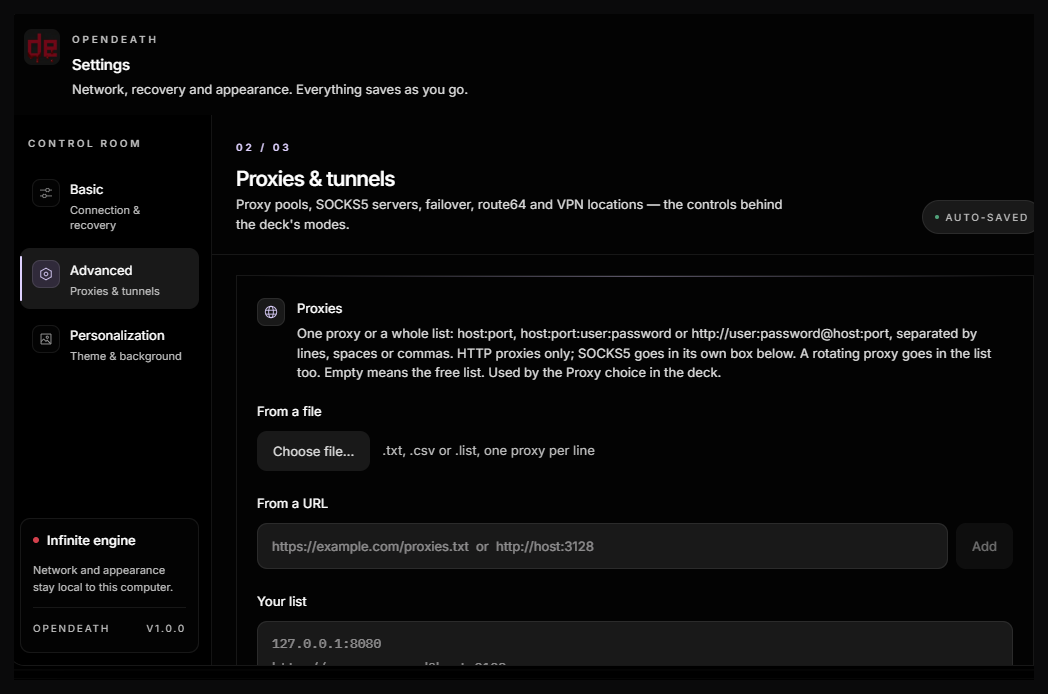
Auto, WARP, Tor, HTTP Proxy, SOCKS5, Route64, Mullvad, Windscribe, or none. Switch from the deck without leaving the chat.
A standalone desktop AI workspace with a nine-mode network deck, automatic recovery, and Tor built in. When the route changes, the session keeps going.
231 MB setup · Windows 10/11 · verifies OpenCode Desktop
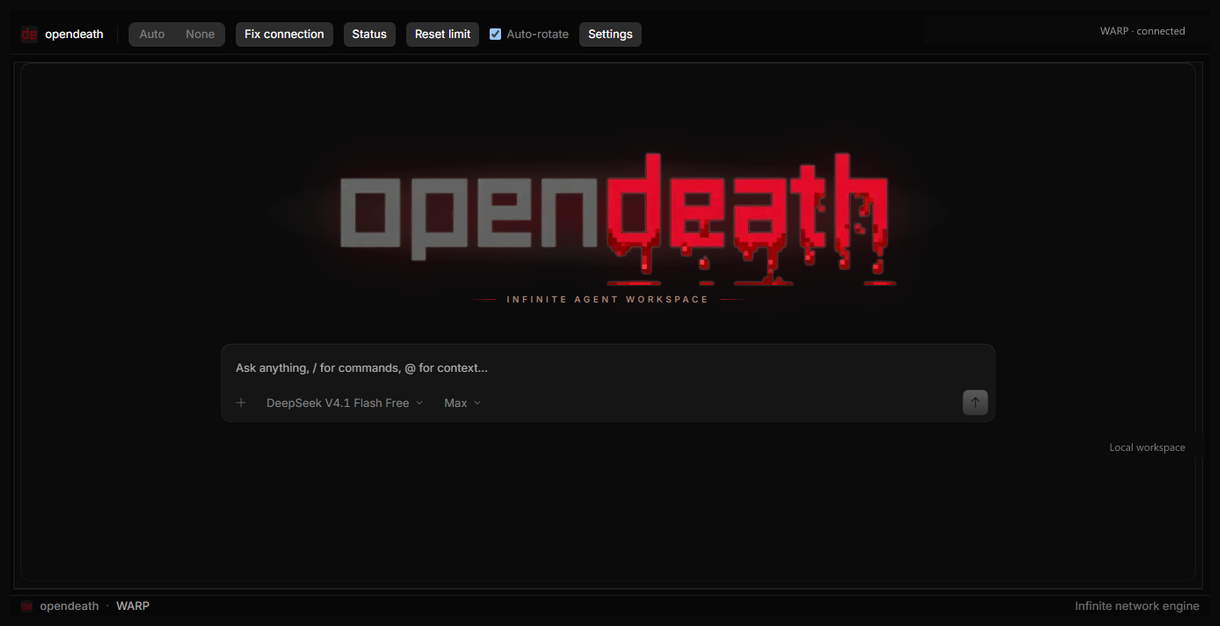
OpenDeath is built around a long session: tabs, diffs, a terminal, a browser, and a network deck that stays out of the way until the connection needs work.
Auto, WARP, Tor, HTTP Proxy, SOCKS5, Route64, Mullvad, Windscribe, or none. Switch from the deck without leaving the chat.
Clear the current allowance and retry the last prompt in one action, instead of rebuilding the conversation.
Auto-rotate makes up to 50 attempts, remembers burned exit IPs for 24 hours, and stops when the route is healthy.
Diagnose the selected route, rebuild the tunnel, and read the current exit IP from the Status panel.
Waiting chats are written to disk. After a relaunch, OpenDeath restores them and sends continue once the new route is ready.
The Tor Expert Bundle ships with the app. There is no separate Tor install and no daemon to configure.
Each mode is a first-class route with its own setup and status. Start with Auto or None. Add a client only for the route you actually use.
The network is a detail. The work is the point.OpenDeath — design note, 2026
The wizard checks for OpenCode Desktop, installs the app, and lets you add WARP, Windscribe, Mullvad, or WireGuard from their official packages.
A guided install with shortcuts and an uninstaller. Per-user, no administrator account required.
One executable. Run it from a folder or a USB drive. User data stays in your Windows profile.
59 downloads · live from GitHub release assets · All download details
OpenDeath installs beside OpenCode Desktop. It never launches or modifies your OpenCode installation; it uses its own executable, engine, and data folder.
| Requirement | Details |
|---|---|
| Windows | Windows 10 22H2 or Windows 11, 64-bit |
| OpenCode Desktop | Required. The wizard checks for it and offers the official download link if it is missing. |
| Internet | Model providers, sign-in, and optional dependency downloads |
| Disk space | About 1.3 GB installed |
| Optional | WARP, Windscribe, Mullvad, WireGuard. Tor is bundled. |
Use the official desktop build. The wizard will detect it in the per-user install folder or the uninstall registry.
Choose shortcuts and any VPN clients you want. Leave the rest unchecked; the app is complete without them.
Pick Auto or None, then press Fix connection and Status to confirm the route.
Work as usual. If a free limit appears, reset it or let Auto-rotate find a new exit.